

How Healthcare Practices Can Turn Real Patient Questions Into Helpful FAQ Content
October 27, 2026 · Admin
The front desk at a physical therapy clinic in Denver answers the same questions every day. Do I need a referral? Does insurance cover dry needling? What should I wear to my first visit? Each call takes a few minutes, and the website answers none of them.
Those repeated questions are a ready-made content plan. Answering them clearly on your website helps patients, saves staff time, and gives search engines and AI tools direct answers to work with.
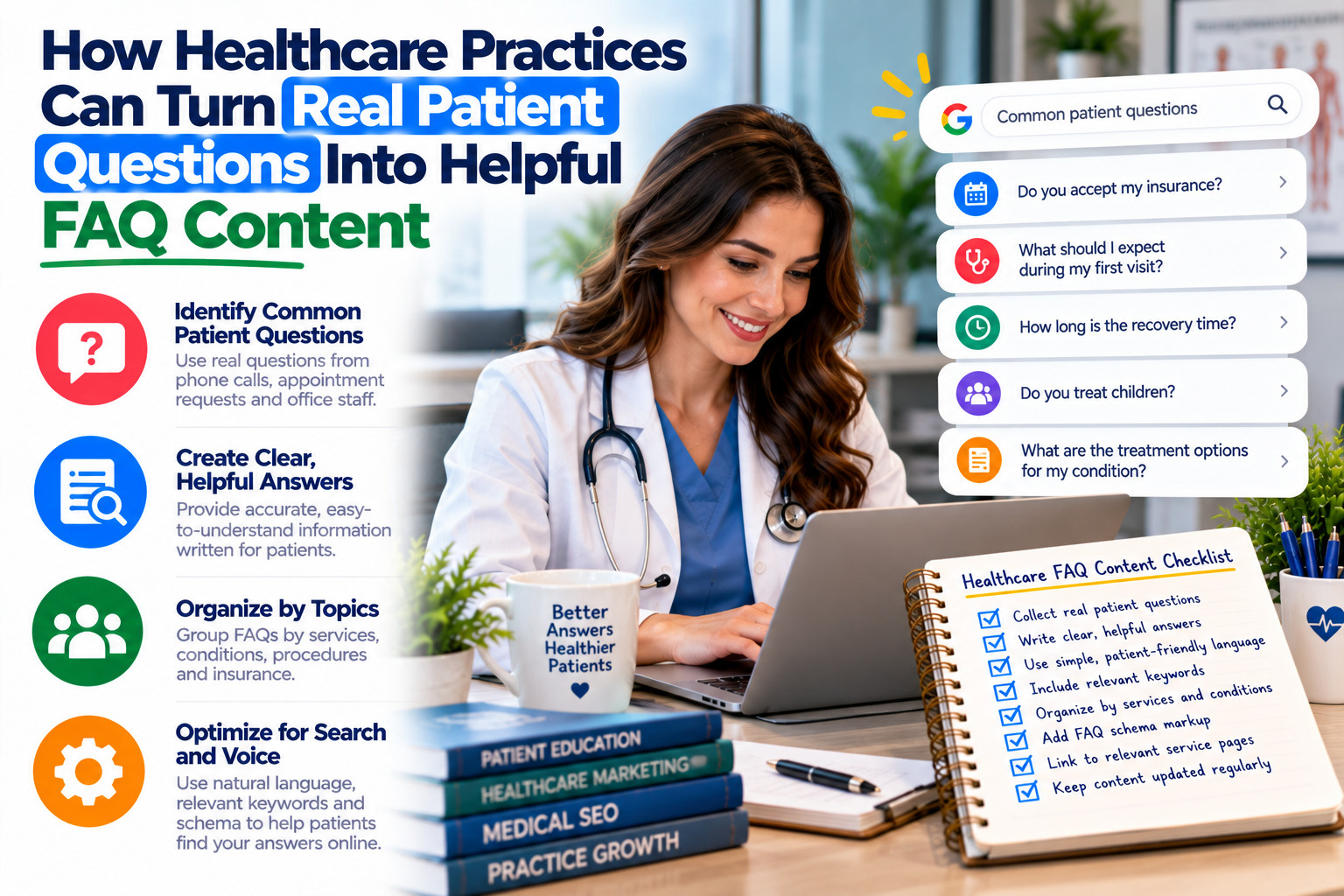
Collect the Questions Patients Actually Ask
Ask front desk staff to keep a simple list of questions for two weeks. Include questions from phone calls, emails, intake forms, and conversations at check-in. Note how often each one comes up and how patients phrase it, since their wording often matches what they type into search.
Group similar questions together. You will likely see themes such as insurance and billing, first visit expectations, scheduling, and specific treatments. Each theme can become a section on an FAQ page or a short article of its own.
Write Answers That Are Direct and Accurate
Start each answer with a direct response in one or two sentences, then add helpful detail. For example: “Colorado allows patients to see a physical therapist without a referral in many cases, but some insurance plans still require one.” Readers get the answer immediately, and AI tools can quote a clear statement.
Have a licensed clinician review answers about treatments or conditions. Avoid promising results, and point patients to an appointment when an answer depends on their situation. Update answers when insurance rules, prices, or services change.
Make the Answers Easy to Find
Organize your FAQ page with clear headings for each theme, and link to it from your contact and new patient pages. Use the same answers in your phone scripts and intake emails so patients get consistent information. You can add FAQPage structured data, though Google now shows FAQ rich results mainly for authoritative government and health websites.
Keep your practice details consistent wherever patients compare providers. Clinics listed in the Healthcare category on Clickography can mention key answers in their description, such as accepting patients without referrals. Matching that information on your website and Clickography profile reduces confusion before the first visit.
Let Your Front Desk Shape Your Content
Your patients already tell you what they want to know. Collect their questions, write direct answers reviewed by a clinician, and organize them where patients look. Consistent answers on your website, phone scripts, and directories like Clickography help patients arrive prepared and help AI tools describe your practice accurately.
Frequently Asked Questions
No. Google limits FAQ rich results mainly to well-known, authoritative government and health websites. FAQPage markup can still help describe your content, but most practices should focus on writing clear answers. The content helps visitors whether or not a rich result appears.
Include the questions patients ask most often, which for many practices is somewhere between 10 and 30. Group them by theme so the page stays easy to scan. Add new questions as staff notice them, and remove answers that no longer apply.
A licensed clinician should review answers about conditions, treatments, or medical decisions. Billing staff should check insurance and payment answers. Review answers whenever services, policies, or regulations change, and note the review date if your practice tracks content updates. Keep a record of reviewers.
Clear, direct answers make your content easier for AI tools to understand and possibly quote. No method guarantees that an AI assistant will cite your practice. Accurate, well-organized answers still help patients and support how search engines understand your services.
Related Articles

Zero-Click Searches: How Restaurants Win Diners Who Never Visit the Website
A couple in Portland searches for Thai food at 8:30 on a Tuesday. They glance at hours, a few menu photos, and…
Read More →
How Data Aggregators Spread Your Business Information Across the Web
An equipment rental company in Houston changed its phone number three years ago. It updated its website and Google profile right away.…
Read More →
A Listing Update Checklist for Property Managers and Real Estate Offices That Relocate
A property management company in Tampa moves from a downtown suite to a larger office across the bridge. Two weeks later, tenants…
Read More →